
Howdy everyone! We have some exciting news to share: you can now search completed Submissions on mobile!
This highly requested feature is a powerful tool that will allow users in the field to easily find and view Submission PDFs from their mobile devices. Now you can search for a completed invoice related to a specific customer name, review work orders associated with a particular address, track down all surveys containing certain phrases, and so much more from your iOS or Android device.
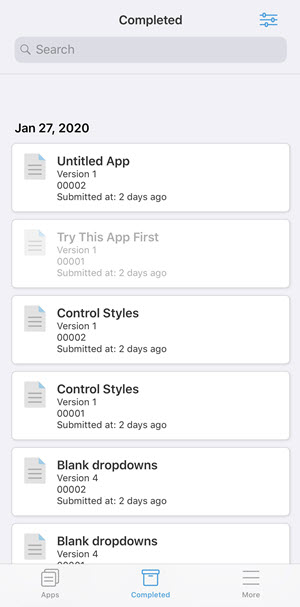
You can search for specific data input across Submissions using the Search box at the top of the Completed screen. Note: the search results will also be based on the Filter settings, so make sure they are set as desired.
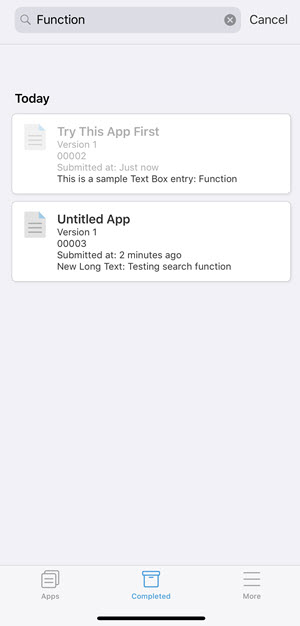
Submission PDFs that contain the search criteria will appear in a list, with a preview of which field the criteria appears in. For example, we have searched for the word, 'function', which appears in Submissions across two Apps:
As with previous updates, this version is being released as a phased rollout for Android and iOS, to provide a smooth transition for GoCanvas users. Android and iOS users should see this update hit the App Store and the Google Play Store soon. Android users can also download the latest version directly from http://www.gocanvas.com/m.
Comments
Please sign in to leave a comment.