
In the GoCanvas for Windows app, the controls (such as most buttons, scroll bars, scroll arrows, etc) are very small, especially for users with large monitors.
One example is the scroll arrows:
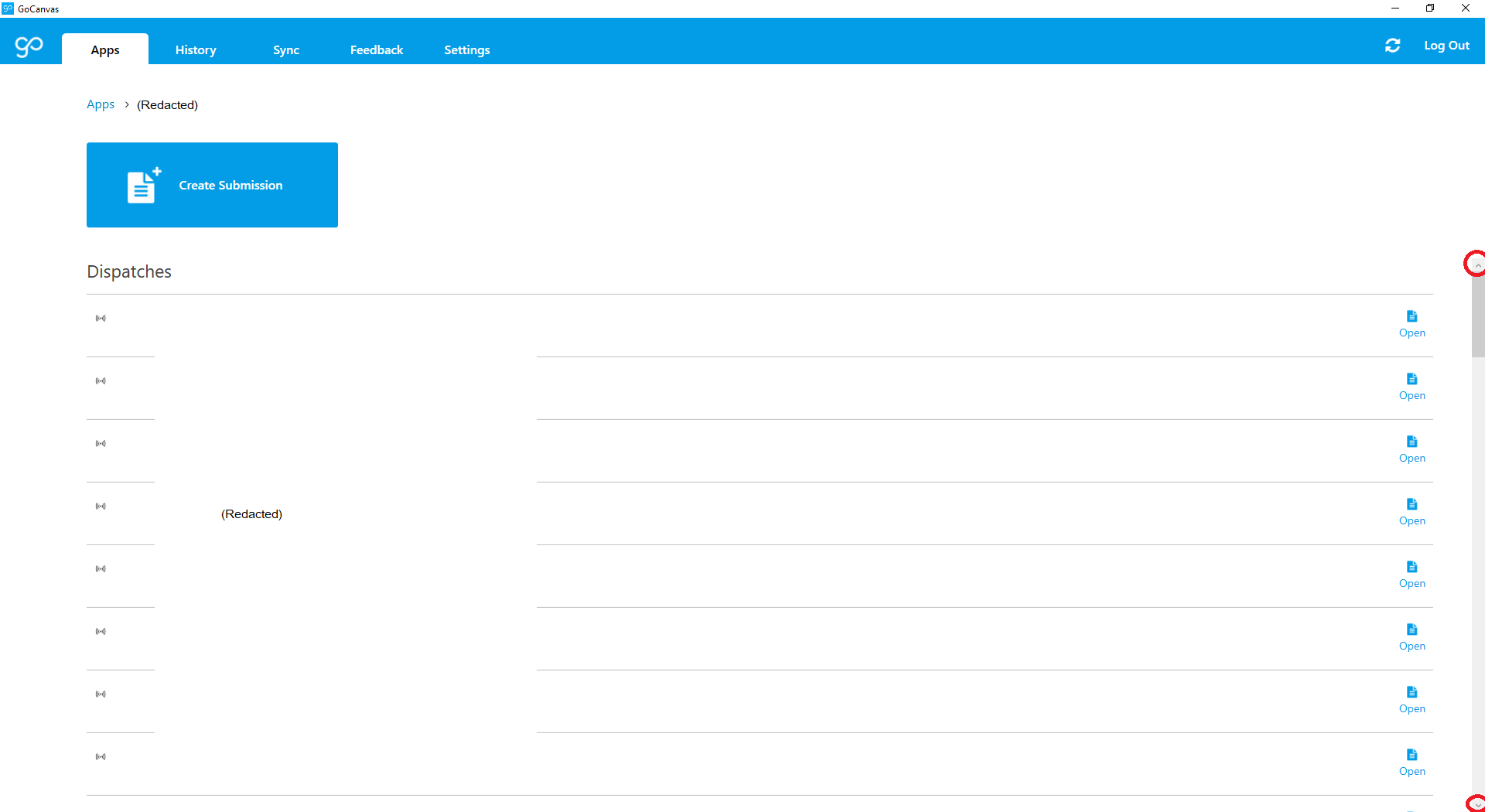
Can there be an option to change display preferences, so users can choose their own "size setting" (maybe small, medium, large) that might control the buttons / controls like these, and maybe text size, etc?
From an accessibility approach (and somewhat from a general work aesthetics approach) this would allow users to personalize their experience somewhat, feel more comfortable with the software, and in some cases work much more efficiently.
1
Comments
Please sign in to leave a comment.
Hi Nathan,
Thanks for pointing out another opportunity for us to improve accessibility in our product. Much appreciated!
All the best,
Siobhan
Hi Nathan,
In a future release, not set date yet, we will be expanding the "clickable" area for opening saved submissions, dispatches, and handoffs. This doesn't address the size of the buttons, but hopefully it makes accessing the submissions easier.
Ellen
Hi Ellen,
Looking forward to it!
Thanks,
Nathan
Hey Nathan,
This isn't the fully request, but as of Windows 9.21 (out today), the new/open/view/edit buttons have gotten a makeover:
The clickable area is also pretty large on those icons now. Definitely an improvement for accessibility (and big screens).
Hi Sara.
When I go to www.gocanvas.com/m to download the latest version I get 9.2.0.8 instead of the latest version? I've tried both while logged in and logged out and from multiple browsers. The file size exactly matches the original 9.2.0.8 which came out a long time ago... Maybe the link might need to be updated?
Thanks!
In a very strange and round-about way, that's actually my fault. It looks like it's fixed now on /m, but let me know if that's not the case and I can send the link directly. Sorry about that :)
I was able to grab 9.21.0.7 from /m. I had to clear my cache first (which I tried before but it worked this time).
These buttons are easier to click on and it is a nice touch that the entire row is clickable if you just want to view the output