
Permanently deleted user
It would be a nice feature to have a function (when field has the same name) to checkbox, at which point it auto-populates the last data entry as a suggestion, that is also editable.
Example: the room name & number in a building survey. The next object being surveyed would not necessarily require re-entering the room name & number.
0
Comments
Please sign in to leave a comment.
Hi John,
What I think you're describing is our backdoor Mirror function, which is similar to our Mirror field. With the Mirror field, you can't edit the data, but with the backdoor Mirror, you can (there are other limitations of the backdoor, specifically that the fields do have to have the same name as the field they're replicating, which seems like that works for you, and the second field has to be on a subsequent screen).
Here's how this works:
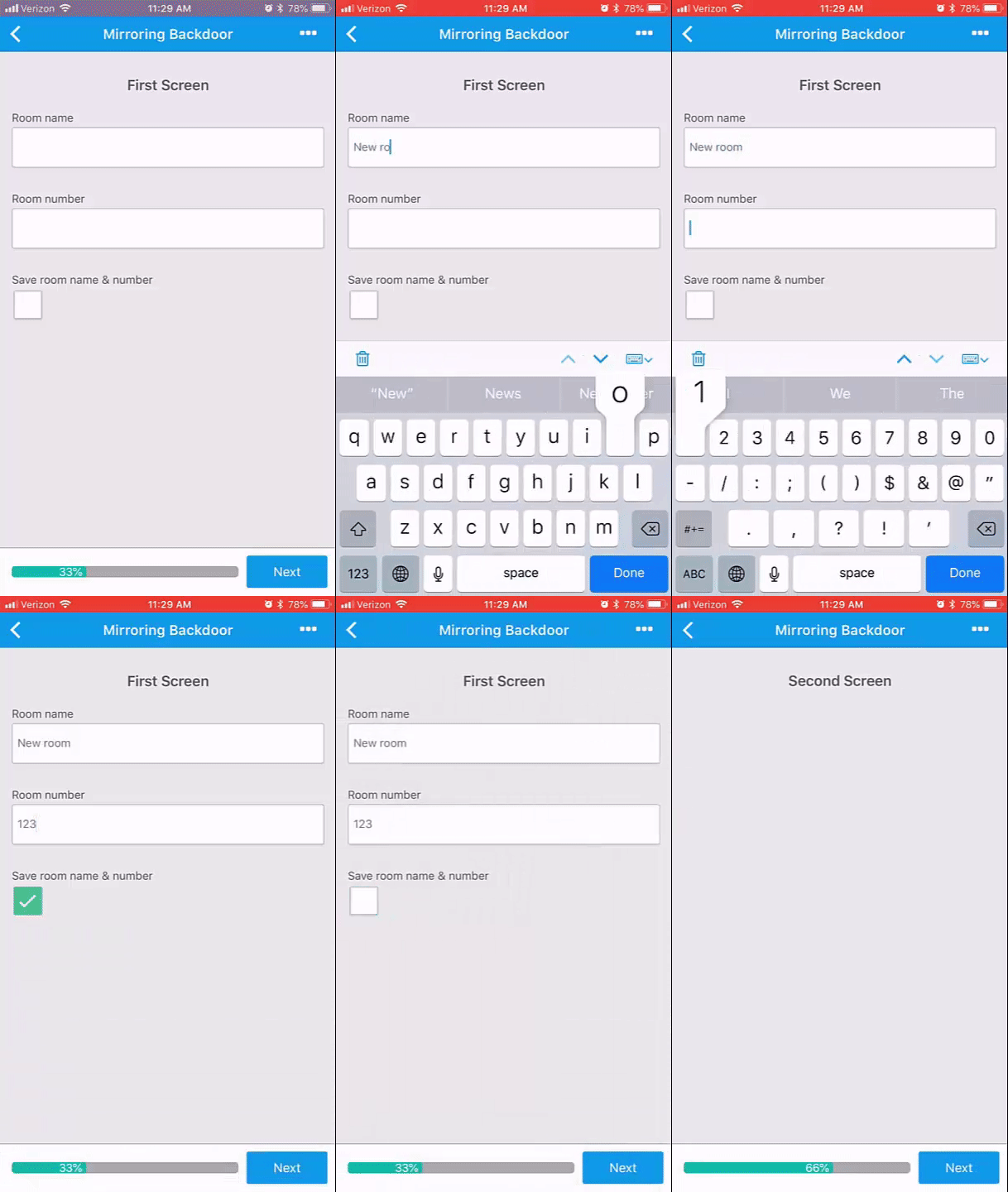
Here's what the ends up looking like on mobile:
If you want to decide whether or not to activate these fields, you could create a checkbox field and have these fields be conditional on that checkbox. That would look more like this in the App Builder:
And here's how that looks on mobile:
Does that help with what you're trying to do?